点精灵材质
Point Sprites
Point Sprites,是指在渲染屏幕上通过特殊方式绘制的一个点,它可以呈现出任意定义的某种图案,而且始终面向相机方向。点精灵不是实际存在的几何元素,而是用来表达特殊视觉效果的纹理,也许单个点精灵没有意义,但当您把成千上万个这些点精灵放在一起的时候,就会创造出令人惊叹的效果。
点精灵的图案,或者说是颜色分布函数,可以直接定义在fragment shade中,也可以是应用程序中定义的一个纹理图案,下面分别给出两个例子介绍如何定义点精灵。
着色器中定义颜色分布函数
首先我们应该定义几何,点精灵需要的几何就是点,在这个例子中,我们在3D空间中创建了一些随机分布的点。
const count = 125;
const positions = new Float32Array(count * 3);
const colors = new Float32Array(count * 3);
const sizes = new Float32Array(count);
const types = new Float32Array(count);
for (let index = 0; index < count; index++) {
    positions[index * 3] = Math.random();
    positions[index * 3 + 1] = Math.random();
    positions[index * 3 + 2] = 0;
    colors[index * 3] = Math.random() * 0.5 + 0.2;
    colors[index * 3 + 1] = Math.random() * 0.5 + 0.2;
    colors[index * 3 + 2] = Math.random() * 0.5 + 0.2;
    sizes[index] = Math.random() * 40 + 20;
    types[index] = Math.random() * 8;
}

const geometry: JGeometry = {
    vertices: {
        positions: Vertices(positions),
        colors: Vertices(colors),
        sizes: Vertices(sizes),
        types: Vertices(types),
    },
    indices: Points(count),
    boundingBox: bbox(0, 1, 0, 1, 0.0, 0.0)
};
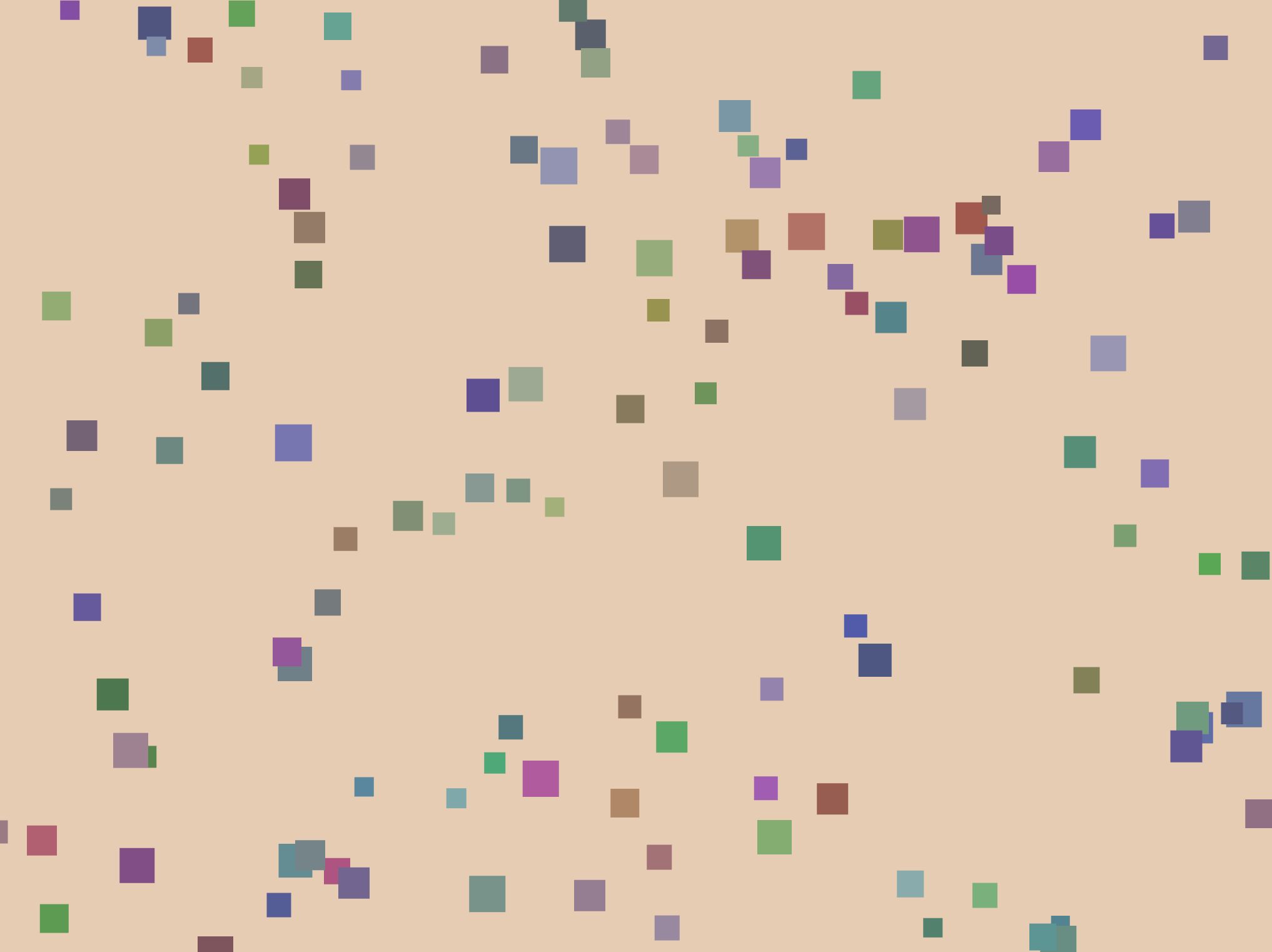
在没有添加精灵图案时,这些点的渲染结果如下:
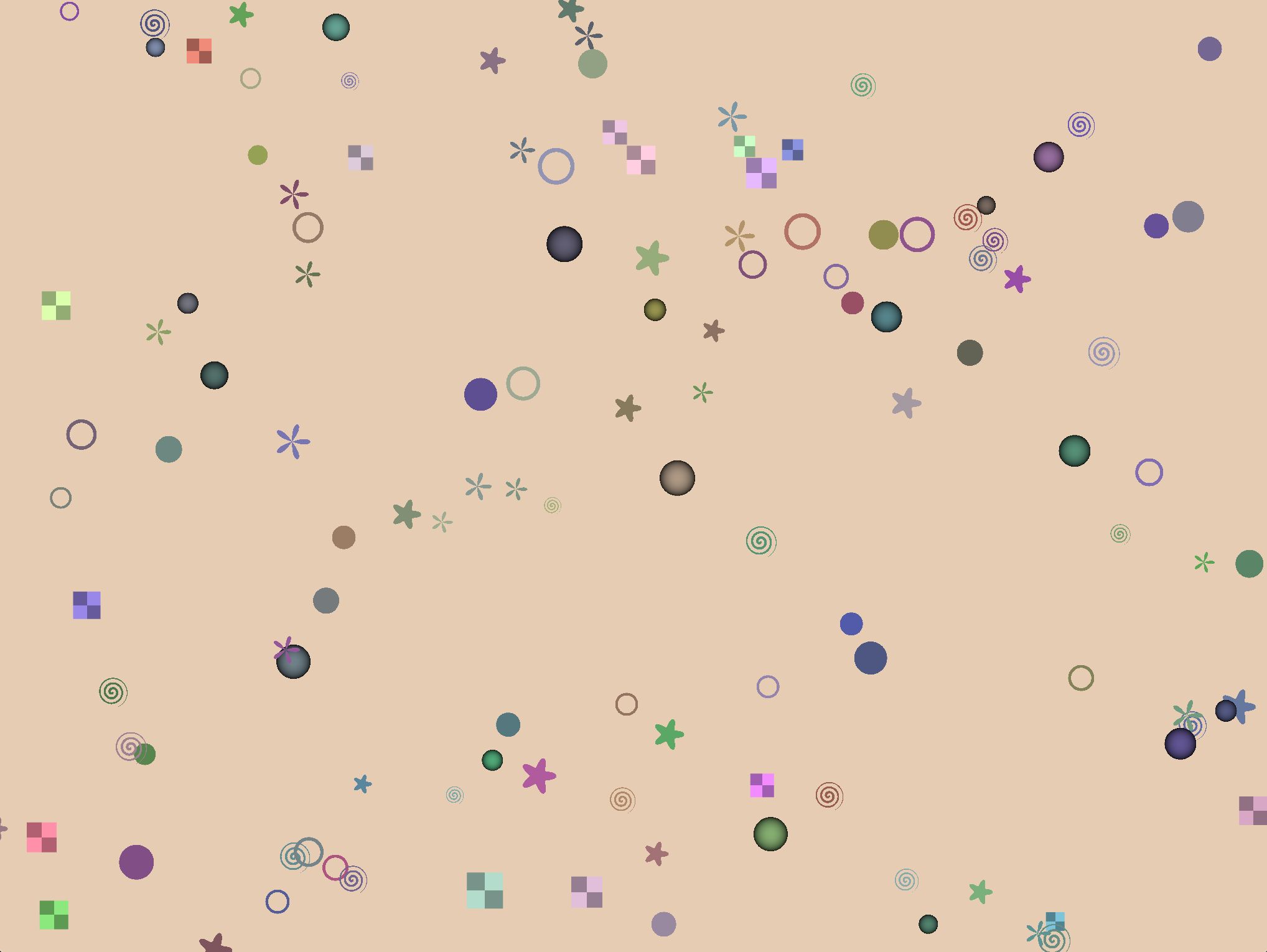
接下来就是重头戏,我们需要定义点精灵材料, 材料的第一个参数定义颜色, 第二个参数定义点精灵的大小(默认大小是32.0)。
import {
    point_sprites_square, point_sprites_disc, point_sprites_spiral, point_sprites_rose, point_sprites_sphere,
    point_sprites_star, point_sprites_circle, point_sprites_grid
} from 'ore.material';

// 正方形图案
const material = point_sprites_square(color, float(64.0));
// 圆盘图案
const material = point_sprites_disc(color, float(64.0));
// 螺旋纹图案
const material = point_sprites_spiral(color, float(64.0));
// 花瓣图案
const material = point_sprites_rose(color, float(64.0));
// 球形图案
const material = point_sprites_sphere(color, float(64.0));
// 星星图案
const material = point_sprites_star(color, float(64.0));
// 圆环图案
const material = point_sprites_circle(color, float(64.0));
// 方格图案
const material = point_sprites_grid(color, float(64.0));
定义纹理图案
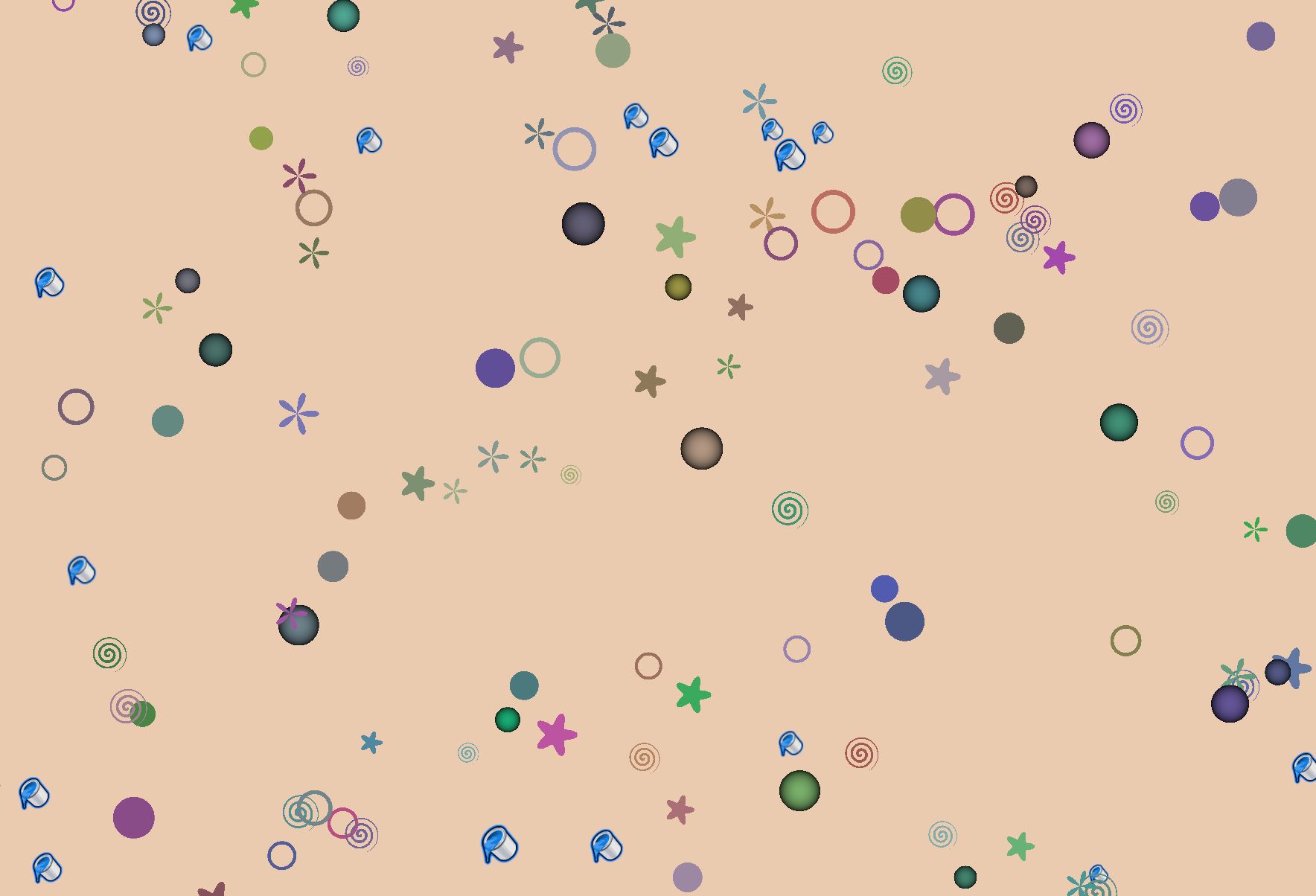
通过point_sprites_icon可以定义一个图案的点精灵材料,在定义材质material时,包含一个纹理贴图image,最后您可以得到下面图片中看到的效果。
import { point_sprites_icon } from 'ore.material';

const material = point_sprites_icon(image);