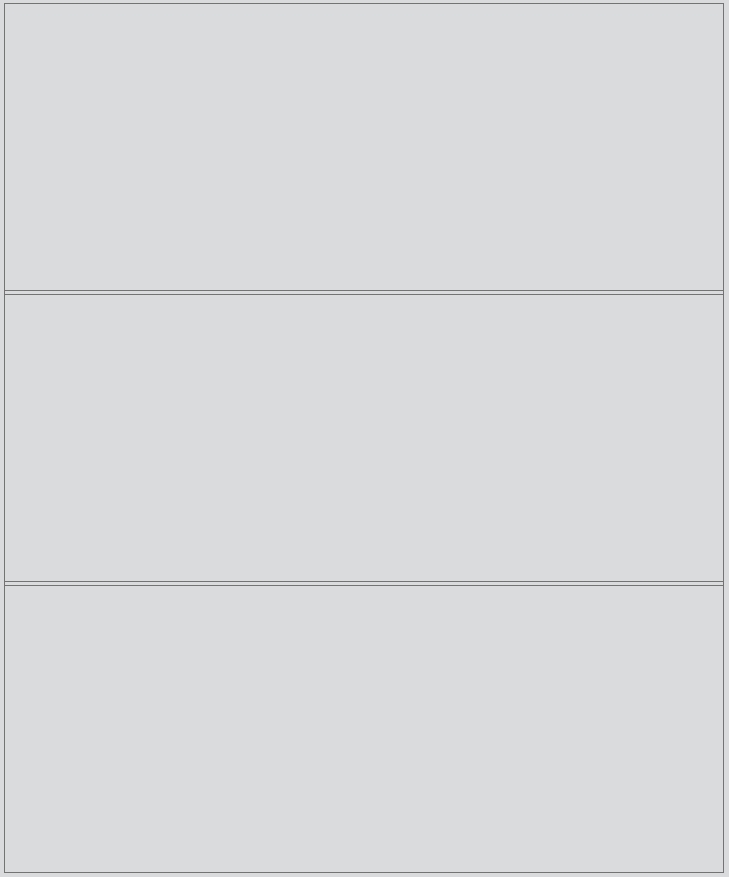
Splitter
Detailed Description
The Splitter class is a splitter widget. A splitter lets the user control the size of child widgets by dragging the boundary between them.
The typical use of a splitter is to create several widgets and add them using insert() or add().
Event
The splitter has drag move and drag end events.
A drag move event is emitted when the splitter handle has been moved.
A drag end event is emitted when the dragging of the splitter handle has ended.
// Listen for the drag move event
splitter.bind('dragMoved', (event: DragMoveEvent): void => {
    event.absolute; // The current position of the mouse pointer relative to the top-left corner of the page.
    event.relative; // The offset of mouse movement relative to the coordinates when the mouse button was pressed.
});
// Listen for the drag end event
splitter.bind('dragEnded', (event: DragEndEvent): void => {
    event.absolute; // The current position of the mouse pointer relative to the top-left corner of the page.
    event.relative; // The offset of mouse movement relative to the coordinates when the mouse button was pressed.
});
Example code
In the code below, you will create a splitter:
const desktop = Desktop.instance();
const splitter = new Splitter(desktop);
const widget1 = new Widget();
const widget2 = new Widget();
const widget3 = new Widget();
splitter.add(widget1);
splitter.insert(0, widget2);
splitter.add(widget3);
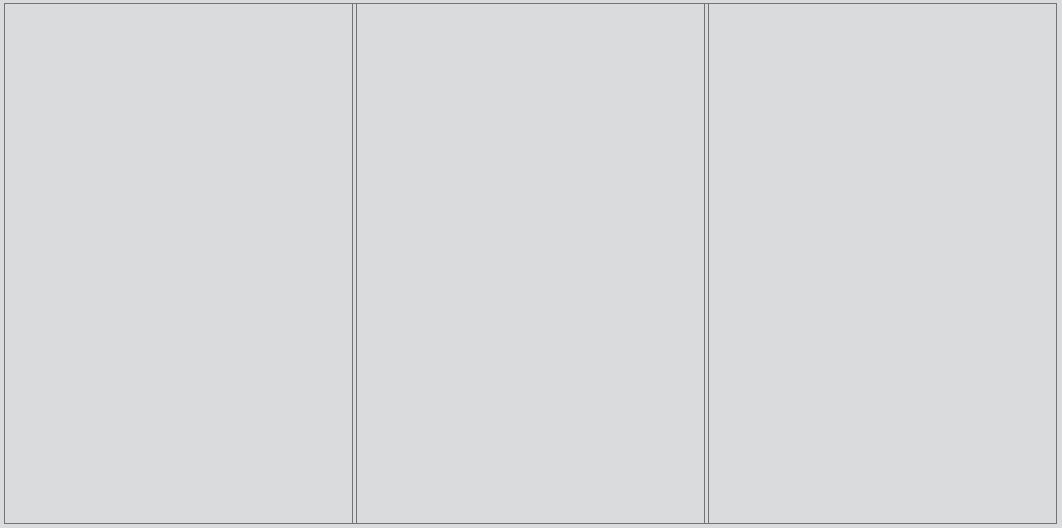
Creates a splitter with the given orientation:
const desktop = Desktop.instance();
const splitter = new Splitter(desktop, Orientation.Vertical);
...