Dialog
Detailed Description
The Dialog class is the base class of dialog windows. The dialog window is a top-level widget, it can be either modal or modeless:
A modal dialog is a dialog displayed using exec() that blocks input to other visible widgets, the user must finish interacting with the dialog and close it before they can access any other widgets.
A modeless dialog is a dialog displayed using open() that operates independently of other widgets.
The default location of the dialog is centered on the desktop.
ResizableDialog
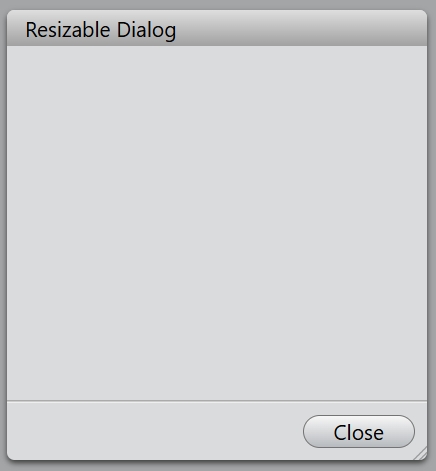
The ResizableDialog class A inherits from Dialog. The resizable dialog allows the users control the size of dialog by dragging the dragger in bottom right of this dialog.
Event
For the resizable dialog, the resize event is emitted whenever the size of the dialog is changed.
// Listen for the resize event
dialog.bind('resized', (event: ResizeEvent) => {
    event.size; // The current size of the dialog.
});
Example code
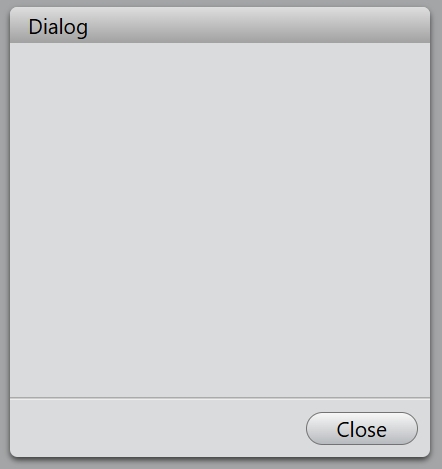
In the code below, you will create a dialog with a close button:
const dialog = new Dialog();
dialog.title = 'Dialog';
dialog.size = new Size(280, 300);
dialog.addButton('Close', (): void => {
    dialog.close();
});
dialog.exec();
If you want to change the size of the dialog, you can use ResizableDialog class. The size range can be set through the minimumSize and maximumSize properties.
const dialog = new ResizableDialog();
dialog.title = 'Resizable Dialog';
dialog.size = new Size(280, 300);
dialog.minimumSize = new Size(140, 212);
dialog.maximumSize = new Size(640, 720);
dialog.addButton('Close', (): void => {
    dialog.close();
});
dialog.exec();